Sphere IPTV Blog · Troubleshooting
Sphere IPTV Not Working? Fix Login, EPG & Playback Errors
Most Sphere IPTV problems take two minutes to fix. Find your error below and follow the steps — and if that doesn't work, our team is on WhatsApp 24/7.
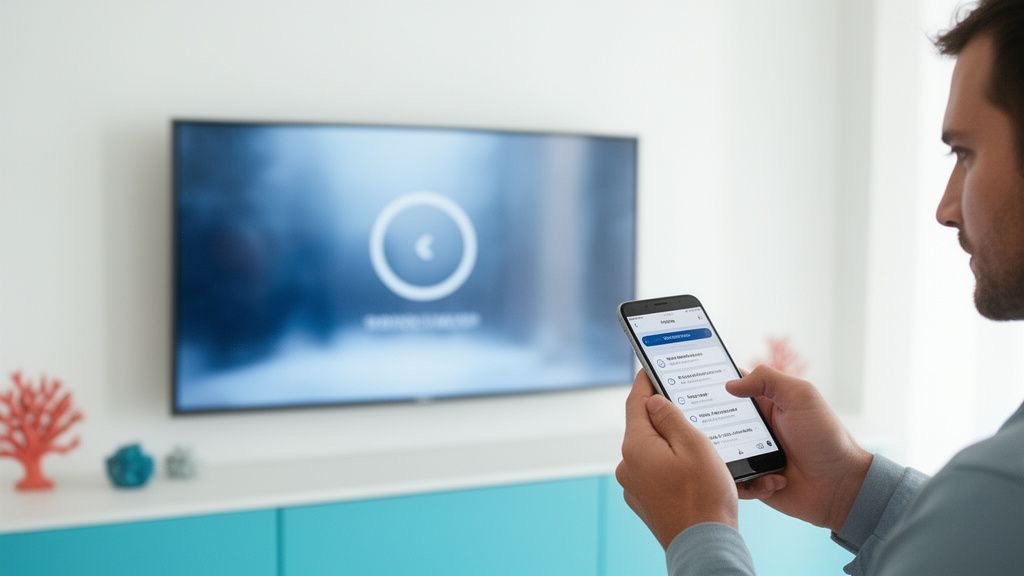
“Login failed” or “Invalid username/password”
- Re-type your Sphere IPTV username and password — they're case-sensitive.
- Check the server URL: it must include
http://and the port if one was given. - Remove spaces copied from WhatsApp.
- Check your subscription hasn't expired — see your activation message or ask support.
Channels list is empty
- Wait 60 seconds on first login — 25,000+ channels take a moment to load.
- In the app, choose Reload / Refresh playlist.
- Check that your device date and time are correct (wrong dates break secure connections).
TV guide (EPG) not loading
- Open the player's settings and choose Update EPG.
- In TiviMate, check the EPG source is enabled in Playlists → EPG sources.
- Give it a few minutes; the full guide is large.
- Set the correct time zone in the app.
Black screen or “stream not available”
- Try another channel — if others work, that feed may be temporarily down; use the backup channel in the same category.
- Switch the player engine (Settings → Player → alternative / external player).
- Restart the app and the device.
Buffering and freezing
See the dedicated Sphere IPTV buffering guide — Ethernet, 5 GHz, bigger buffer and FHD usually solve it.
Audio out of sync
- Change the audio output to PCM / stereo in the player or TV settings.
- Use the audio delay setting in TiviMate or VLC.
- Restart the channel.
App keeps crashing
- Clear the app's cache and data, then log in again.
- Update or reinstall the player.
- Free up storage on Firesticks (at least 500 MB).
“Max connections reached”
Each Sphere IPTV plan allows one stream at a time. Close the app on other devices, wait a minute and try again. See the multi-screen guide.
Still not working?
Message Sphere IPTV on WhatsApp with your device, app and a photo of the error. We check your line, server and setup live, 24/7. Device-specific help: Sphere IPTV setup guide.
Sphere IPTV FAQ
Why does Sphere IPTV say my login is invalid?
Usually a typo, a missing http:// or an expired subscription.
Why is the Sphere IPTV TV guide empty?
Refresh the EPG in your app and check the time zone.
What does 'max connections' mean?
Your plan's one stream is already in use on another device.