Sphere IPTV Multi-Screen: Watching on Several Devices
Can you use Sphere IPTV on your TV, phone and tablet? Yes — here's how connections work and what to do if your family wants to watch at the same time.
How Sphere IPTV connections work
Each Sphere IPTV plan includes one connection. That means:
- ✅ You can install your login on as many devices as you like — TV, Firestick, phone, tablet, laptop.
- ✅ You can switch between them freely.
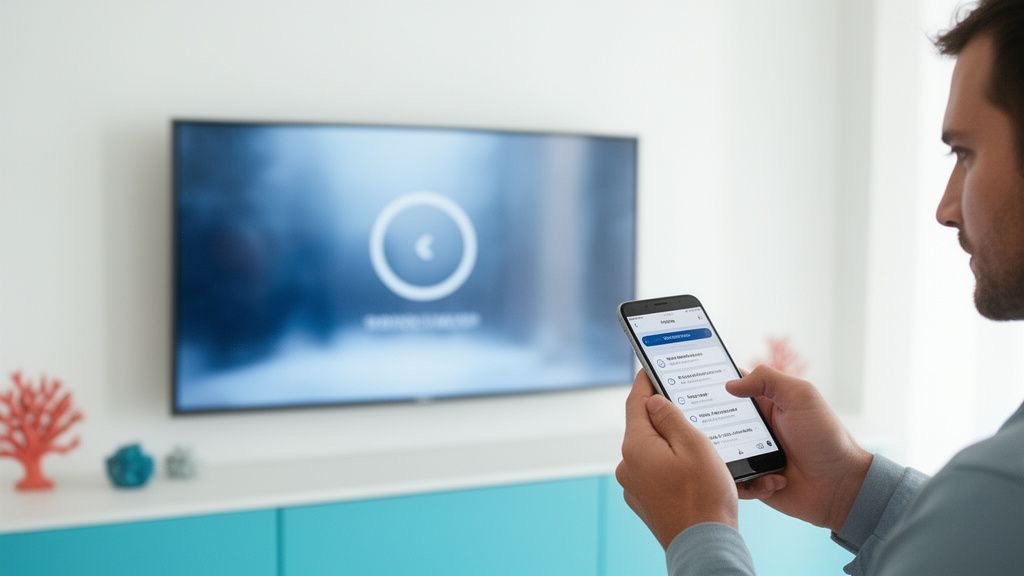
- ❌ Only one stream plays at a time. If you start a second stream, you'll see a “max connections” message.
Typical setups that work with one connection
- Living room TV in the evening, phone on the train in the morning.
- Firestick in the lounge and Smart TV app in the bedroom — watching one at a time.
- Couples who watch together on one screen.
If your family wants several screens at once
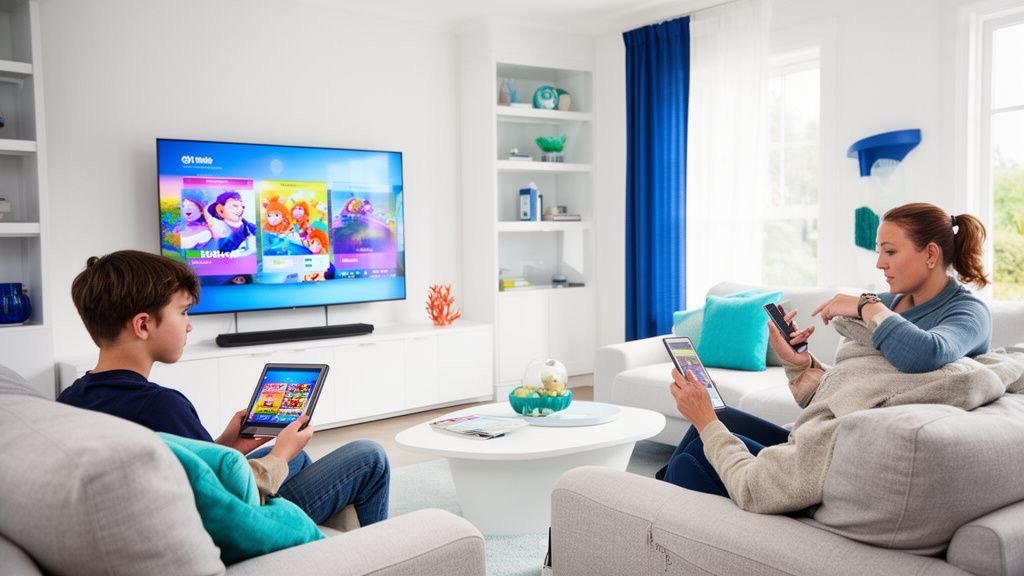
If two or three people want to watch different channels at the same time, you need one Sphere IPTV subscription per simultaneous screen. Many families take the 12-month plan for the main TV and a second plan for a teenager's room. Message us on WhatsApp and we'll help you set up and manage several lines.
Multi-view on one device
Want to follow several games? Apps like TiviMate Premium can show multiple channels on one screen. Bandwidth adds up, so keep an eye on your internet speed — see the Sphere IPTV speed guide.
Bandwidth for several screens
| Screens | HD | FHD | 4K |
|---|---|---|---|
| 1 | 10 Mbps | 20 Mbps | 25 Mbps |
| 2 | 20 Mbps | 40 Mbps | 50 Mbps |
| 3 | 30 Mbps | 60 Mbps | 75 Mbps |
Tips to avoid “max connections” errors
- Fully close the app (not just Home button) when you switch device.
- Wait about a minute before starting on the next device.
- Don't share your login outside your home — shared logins may be suspended under the terms of service.
Compare plans on the Sphere IPTV pricing page.
Sphere IPTV FAQ
How many devices can I install Sphere IPTV on?
As many as you like; one stream can play at a time per plan.
Can two people watch Sphere IPTV at the same time?
Yes, with one subscription per simultaneous screen.
Why do I get a 'max connections' error?
Another device is still using your connection. Close it and wait a minute.