Sphere IPTV offer: 12 months $64.99 · only $5.42/month · free 24h trial Try free on WhatsApp →
Buy Sphere IPTV
About 4 minutes

How to Install Sphere IPTV on Windows PC & Mac (2026)

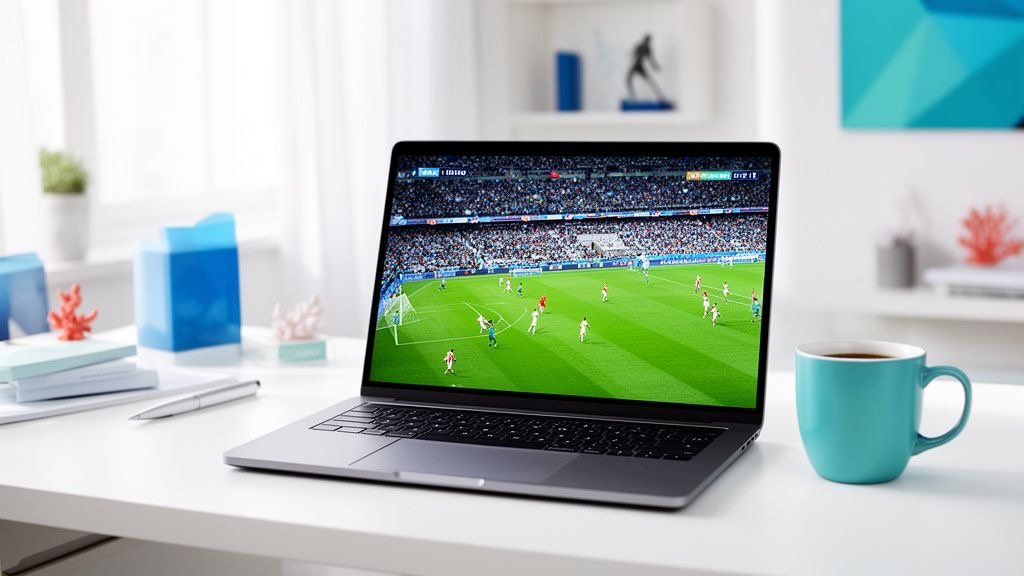
Watch Sphere IPTV on your laptop or desktop while you work, or connect it to a TV with HDMI. On Windows and Mac you can use a dedicated IPTV player or simply VLC with your Sphere IPTV M3U link.

Get a free trial to test
Sphere IPTV on Windows PC & Mac
Before you start

What You Need for Sphere IPTV on PC & Mac

  • A Windows 10/11 PC or a Mac
  • Your Sphere IPTV M3U link or Xtream codes
  • A wired or 5 GHz connection for 4K

Step-by-step: Sphere IPTV on PC & Mac

  1. Install a player

    Download IPTV Smarters for Windows/Mac or VLC from the official website.

  2. Choose your login type

    In IPTV Smarters choose Xtream Codes; in VLC use Media → Open Network Stream (File → Open Network on Mac).

  3. Paste your Sphere IPTV details

    Paste your Sphere IPTV Xtream codes, or your Sphere IPTV M3U link in VLC.

  4. Open the playlist

    In VLC press Ctrl+L (Cmd+L on Mac) to see the channel list.

  5. Watch

    Double-click any channel. For the full TV guide and VOD, use IPTV Smarters.

Apps

Best Apps for Sphere IPTV on PC & Mac

AppWhy use it with Sphere IPTV
IPTV Smarters (desktop)live TV + VOD with Xtream codes
VLC Media Playerfree, opens your M3U link
MyIPTV Player (Windows)TV-guide layout

App names belong to their developers. Sphere IPTV is not affiliated with these apps. Some players charge their own small fee.

Tips for smooth Sphere IPTV streaming on PC & Mac

  • VLC is great for quick checks but has no TV guide.
  • Use full screen and close other streaming tabs.
  • Connect the laptop to your TV with HDMI for a big-screen setup.

Still buffering? Read the Sphere IPTV buffering fix guide or the Sphere IPTV error fixes, or message our team on WhatsApp — we'll check your setup live.

Sphere IPTV on other devices

FAQ

Sphere IPTV on PC & Mac — FAQ

Can I watch Sphere IPTV on a Mac?

Yes, with IPTV Smarters for Mac, IPTVX or VLC.

Is VLC good for Sphere IPTV?

VLC plays your M3U link for free, but has no TV guide or VOD posters. IPTV Smarters is better for daily use.

Can I watch Sphere IPTV in a web browser?

Most IPTV streams are not made for browsers. Use a desktop player for the best result.

Plans

Sphere IPTV Plans

Starter

Sphere IPTV 1 Month

$9.99USD

$9.99 / month · one payment

Flexible — no commitment

  • 25,000+ live channels
  • 150,000+ movies & series
  • Sports, PPV & football in 4K
  • USA, UK, Canada & Arabic channels
  • TV guide (EPG) & catch-up
  • Anti-freeze servers · 99.9% uptime
  • 1 device connection
  • All devices & IPTV apps
  • Instant activation (5–20 min)
  • 24/7 WhatsApp support
Buy 1 Month
Best Value

Sphere IPTV 12 Months

$64.99USD

$5.42 / month · one payment

Save $54.89 (46%) vs monthly

  • 25,000+ live channels
  • 150,000+ movies & series
  • Sports, PPV & football in 4K
  • USA, UK, Canada & Arabic channels
  • TV guide (EPG) & catch-up
  • Anti-freeze servers · 99.9% uptime
  • 1 device connection
  • All devices & IPTV apps
  • Instant activation (5–20 min)
  • 24/7 WhatsApp support
Buy 12 Months
Popular

Sphere IPTV 6 Months

$39.99USD

$6.67 / month · one payment

Save $19.95 (33%) vs monthly

  • 25,000+ live channels
  • 150,000+ movies & series
  • Sports, PPV & football in 4K
  • USA, UK, Canada & Arabic channels
  • TV guide (EPG) & catch-up
  • Anti-freeze servers · 99.9% uptime
  • 1 device connection
  • All devices & IPTV apps
  • Instant activation (5–20 min)
  • 24/7 WhatsApp support
Buy 6 Months

Free 24h trial before you pay · Secure payment · Instant activation · 24/7 setup help

Ready to watch Sphere IPTV on PC & Mac?

Join thousands of satisfied Sphere IPTV (SphereIPTV) customers. Start watching your favourite content without buffering in minutes.

Free trial Buy Sphere IPTV